



How to make Eye Toy a web cam
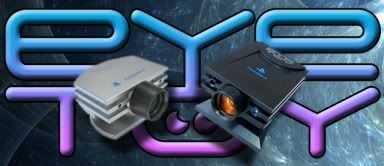
A lot of people try to link the 'EyeToy' camera to the computer because it brings a USB plug, but doesn't get to work. Use the "EyeToy" only bring advantages as, for example: it's small, beautiful, already have incorporated micro and we don't have to acquire another camera (since it is very simple to transfer it from the PC to the PlayStation).
EyeToy Logitech
EyeToy Namtai
Unzip the files in to a folder where you know where they are, for instance C:\Program Files\EyeToy. Unplug the camera, wait a few seconds and tie her again. When the window of installation for new Hardware appears again, choose manual installation and indicate where's the folder in whish you unziped the files.
And it is ready to use. Besides having the qualities that I referred already, it also has a nice resolution and very good image. If I've been useful, please, leave a comment.











Post a Comment